Published by: Guillaume Martin — Editor in Chief
Updated on 23 March 2026
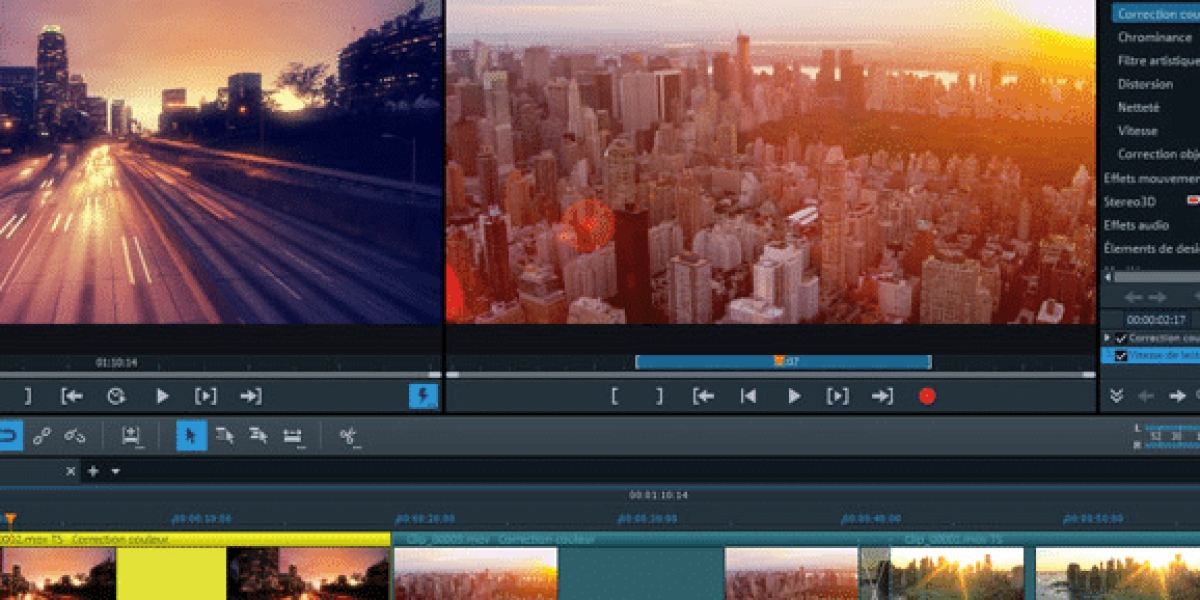
We've all made videos in our lives, and sometimes we go back and remember our memories and the good times. But, watching his videos one at a time can quickly become boring when a nice montage could make everything so much more enjoyable.When we have friends at home, we are often inclined to show them the videos of our last vacation, of an event in which we participated or then of the birthday of the last born, but watch dozens of videos with dead times, interest-free passages and others, unfortunately not interested anyone, even you, you don't want to.
Contents
Les logiciels de montage vidéo sont là pour ça
that you just acquired. There is no need to invest in a multi-thousand euro software to make a real art work; With a little imagination, learning and a touch of artist within you, you can surprise your loved ones and yourself with a video editing worthy of a professional. Try, you'll see! logiciel de montage vidéo Let us discover the video editing software adapted to each level, from amateur to professional, comparing their features, advantages and disadvantages.
Best video editing software for all levels
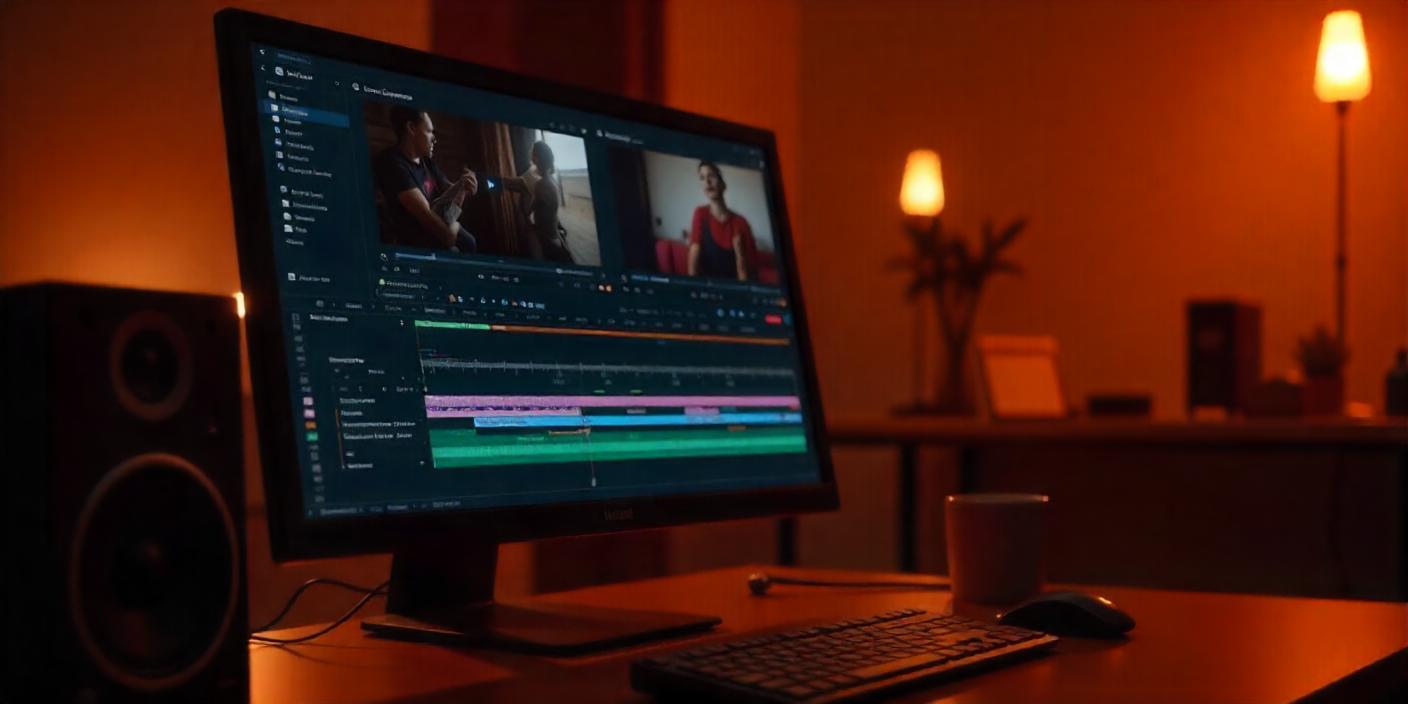
Adobe Premiere Pro – The reference tool for professionals
Main features:
Colorimetric correction
- Multicamera mounting
- Intuitive interface
- Integration with After Effects
- Subscription
| Prices | Monthly plan |
|---|---|
| 24.99 €/month | Annual plan |
| 239.88 €/year | Final Cut Pro is particularly fast and ergonomic, perfect for Mac users. Its strengths include the management of heavy projects, advanced colorimetry tools and its unique cost without subscription. |
Final Cut Pro – Ideal for Mac users
Highlights:
Rapidity and ergonomics
- Advanced colorimetry tools
- Management of heavy projects
- Single cost
- Features
| No subscription | Monthly plan |
|---|---|
| User Stories: | 329,99 € |
« Final Cut Pro is incredibly fast and intuitive. The ergonomics of the interface is the best I've used. » – Mac user
- « The colorimetry tools are amazing. Final Cut allows me to manage big projects easily. » – Professional Vidéaste
- DaVinci Resolve combines video editing, advanced colorimetric correction, and visual effects in the same interface. It allows for 8K editing, advanced audio effects, and offers diversified export options.
DaVinci Resolve – The complete solution for post-production professionals
Main features:
8K mounting
- Advanced audio effects
- Various export options
- Vegas Pro offers an intuitive interface and high performance in video editing. It is available in several packages: Edit, Pro, Suite, each offering its own advantages.
Vegas Pro – The choice of demanding video makers
Package
| Edit | No subscription |
|---|---|
| Basic video editing | Pro |
| Advanced Assembly + Effects | Continue |
| Advanced Assembly + Effects + Plugins | For those who are starting or looking for free solutions, software such as HitFilm Express and iMovie are great tools. Although free, these softwares offer many powerful features. |
Powerful free software – HitFilm Express, iMovie, and more
Benefits and limitations:
HitFilm Express : Advanced special effects but complex interface
- iMovie: intuitive interface but limited functionality
- Case studies:
« Using HitFilm Express has transformed my YouTube videos. The special effects are amazing. » – Youtubeur
- « iMovie is perfect to start. Easy to use and free, it helped me to mount my first videos. » – Beginner in video editing
- To choose the software best suited to your needs, several criteria must be taken into account. Here are the main elements to consider.
Criteria for selecting video editing software
Compatibility and supported platforms
Ease of use
Advanced Features
| Software | Colorimetry tools, heavy mountings, ergonomics |
|---|---|
| DaVinci Resolve | 8K mounting, audio effects, varied export |
| 24.99 €/month or 239.88 €/year | |
| 329.99 € (single payment) | Free (standard version), 295 € ( studio version) |
Cost and pricing model
| Software | Monthly plan |
|---|---|
| DaVinci Resolve | |
| Compatibility OS | |
| 329.99 € (single payment) | Level of competence |
Support and community
Practical guide: How to start with video editing software
Step 1: Import Your Video Files
Step 2: Organization of your media library
Step 3: Cutting and editing your clips
Step 4: Addition of transitions and effects
Step 5: Export and Sharing
Comparison of the best video editing software
Comparative table of features and prices
| Software | 8K mounting, audio effects | Monthly plan | Colorimetry tools, heavy mountings, ergonomics | Vegas Pro |
|---|---|---|---|---|
| DaVinci Resolve | Windows | From 16,99 €/month | Advanced video editing | |
| HitFilm Express | Compatibility OS | Free | Advanced special effects | |
| 329.99 € (single payment) | iMovie | Beginner | Answers to the most frequently asked questions about the choice and use of video editing software. | Advanced video editing |
| iMovie and HitFilm Express are popular choices for beginners thanks to their intuitive interface and free features. | Adobe Premiere Pro and DaVinci Resolve are widely used in industry for their extensive range of advanced features. | Yes, software such as DaVinci Resolve (free version), HitFilm Express, and Shotcut offer robust features without additional cost. | Advanced video editing | |
| Synthesia – AI Tools | Windows | Wondershare Filmora – Best Cheap Video Editing Software | Captures | Beginner to intermediate |
| iMovie | HitFilm Express | Wondershare Filmora – Best Cheap Video Editing Software | Integration with After Effects | Débutant |
Video editing software FAQ
What is the best software for beginners?
iMovie et HitFilm Express sont des choix populaires pour les débutants grâce à leur interface intuitive et leurs fonctionnalités gratuites.
To optimize your installation and avoid any technical problems, find out how easily save your Windows 11 system.
Which software to choose for professional projects?
Adobe Premiere Pro et DaVinci Resolve sont largement utilisés dans l’industrie pour leur gamme étendue de fonctionnalités avancées.
Are there free and efficient alternatives?
Oui, des logiciels comme DaVinci Resolve (version gratuite), HitFilm Express, et Shotcut offrent des fonctionnalités robustes sans coût additionnel.
Sources:
Clubic – Sélection des meilleurs logiciels de montage vidéo gratuits
Wondershare Filmora – Meilleur logiciel de montage vidéo pas cher
Updated on 23 March 2026