Published by: Guillaume Martin — Editor in Chief
Updated on 23 March 2026
Composing, producing and finalising at home is no longer reserved for initiates. The Computer-assisted music (AOM) It upsets creative methods and gives access to a true musical laboratory, where to test, correct and go to the end of its project becomes possible even without a big budget or professional studio. This folder gives you concrete benchmarks to exploit the power of MAO, choose your tools, structure your ideas and avoid the pitfalls that slow the advance of creators, whether they are beginners or intermediates.
Contents
Understanding computer-assisted music
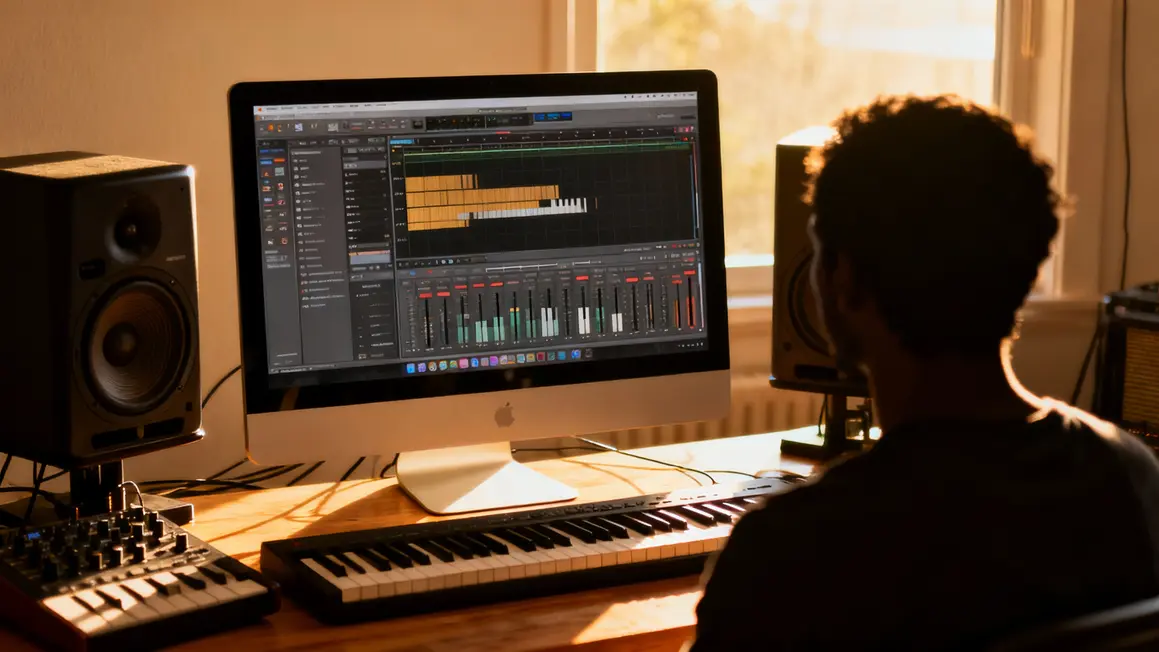
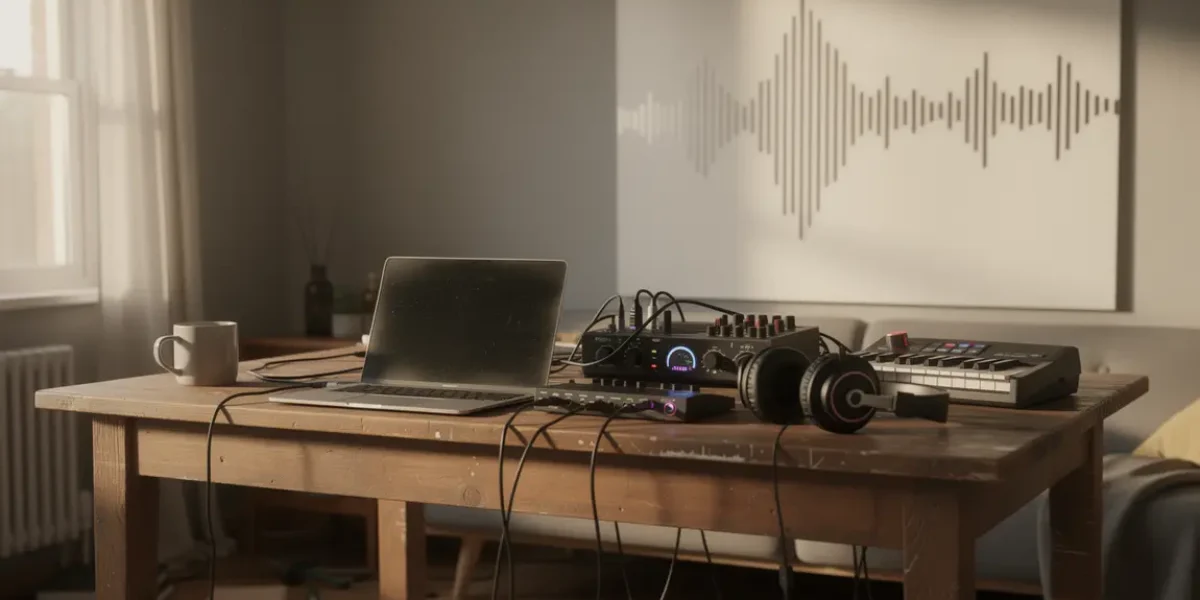
The MAO uses a set of software and peripherals to transform a simple computer into a real music creation station. No more rooms full of expensive appliances. Today, a correct laptop, an adapted audio interface, virtual instruments and a MIDI keyboard are enough to start, experiment and appropriate a multitude of styles.
The centre of the device: the Digital Audio Works (DAW), the platforms where one captures, poses and structures his ideas. Ableton Live, FL Studio, Logic Pro... Each software offers its logic, a range of specific tools and ways to articulate recordings, mixes and creations. Virtual instruments, called VST, reproduce sounds of classical or experimental instruments, without material constraints. This accessibility pushes the limits to create, arrange, edit and experiment quickly, even if it increases the tests until it validates a satisfactory result.
The MIDI devices (claviers, pads, controllers) allow to interact by playing and recording ideas more intuitively, while integrating into the software environment. For those who prepare a piece or model, the learning curve can be approached by experimentation and the resources readily available online.
The first steps in the MAO universe
The basic kit for the MAO includes:
- A computer with recent processor (i7/Ryzen 7) and 16 GB of minimum RAM;
- DAW software adapted to your level (e.g. GarageBand, Cakewalk by BandLab or FL Studio, Ableton Live as a basic version);
- A quality audio interface (e.g. Focusrite Scarlett Solo) for a clean and stable signal;
- A MIDI keyboard to control virtual instruments;
- A monitoring helmet (Audio-Technica ATH-M50x or Beyerdynamic DT770).
For the first configuration, do not give in to the temptation of superfluous. Essential: choose material suitable for your use, stable, and that you can complete as you go, according to your real needs.
| Equipment | Description | Estimated price |
|---|---|---|
| Computer | i7 or Ryzen 7, 16GB RAM min | 1000–2500€ |
| DAW software | GarageBand, FL Studio, or Ableton Live | 0–749€ |
| External sound card | Focusrite Scarlett Solo or similar | 120–550€ |
| MIDI keyboard | Akai MPK Mini MK3 | 100€ |
| Monitoring helmet | Audiophile like ATH-M50x or DT770 | 150–300€ |
Evolution and history of computer-assisted music
The first explorations of computer-generated music date back to the 1950s with Max Mathews. The technical evolution really accelerated in the 1980s thanks to the MIDI protocol, which standardizes communication between digital equipment. The DAW then emerged in the 1990s, democratizing practices, and the following decade saw the appearance of mastodons like Ableton Live, which fluidized live performance and electronic creation.
Artists such as Deadmau5, Daft Punk or Hans Zimmer are now using the MAO to assemble, mix and invent new textures, in home studio or for the stage. This technical anchor, which became the cornerstone of modern composition, is no longer the reserved domain of an elitist microcosm, but the daily tool of a new generation of creators.
The main software for MAO
Choosing your software right is finding who adheres to the project and its uses. Some useful landmarks:
- Ableton Live : ultra flexible for electronic and live music, but less comfortable on acoustics. Affordable Intro Edition; More expensive full suite.
- FL Studio ideal for beatmaking and rhythmic experiments, life license. Used everywhere in urban production.
- Logic Pro : excellent in composition/mixing on Mac (wide sound library). Reserved in the Apple universe.
- Reaper : versatile, resource-efficient, customizable and very economical.
- GarageBand : effective material entry on Mac, perfect for handling, limited for complex projects.
| Software | Ideal use | Highlights | Monthly plan |
|---|---|---|---|
| Ableton Live | Electronic music, live | Loops, real-time manipulation | 99 € at 749 € |
| FL Studio | Beats, composition | Licence for life, simplicity for rhythms | 89 € 899 € |
| Logic Pro | Various music (electronic and acoustic) | Libraries, Mac Optimization | 199 € |
| Reaper | Custom Projects | Low prices, flexibility | 99 € |
| GarageBand | Start, simple models | Free and intuitive | Wondershare Filmora – Best Cheap Video Editing Software |
Technical basis for starting well in MAO
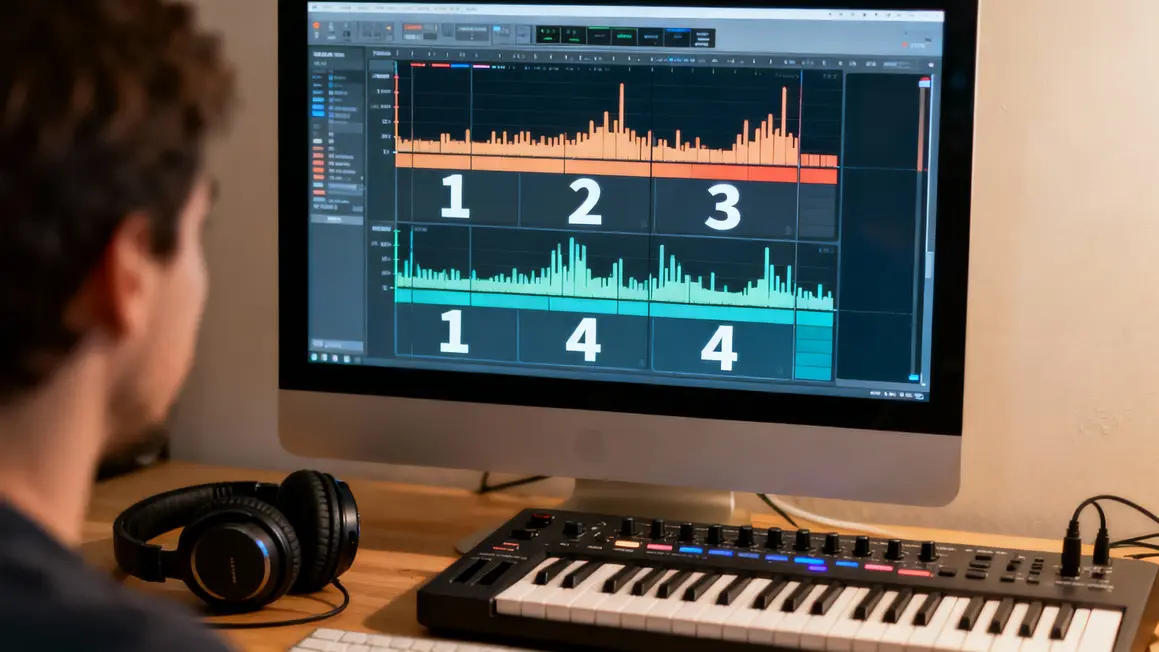
Working on his pieces is above all mastering the fundamentals:
- MIDI edition : code the music structure easily, move and edit notes, create on all virtual instruments.
- VST : enrich arrangements with instruments, batteries or synthesis sounds, often free or included in the DAW.
- Sound Layering : Overlay several sources to expand and highlight its project.
- Basic mixing : balance volumes, adjust frequencies and spatialization, place each element on the right sound plane.
- Export : output a file ready to be shared, first in MP3 to test, in WAV for more quality.
| Technical | Description | Recommended software |
|---|---|---|
| Creation and editing of MIDI | Create sequence notes and assign them to different instruments. | FL Studio, GarageBand |
| Using VST | Integrate virtual instruments to enrich compositions. | FL Studio, Reaper |
| Sound Layering | Overlay sounds to add textures and depth. | FL Studio, Logic Pro |
| Basic mixing | Adjust levels, balance frequencies and adjust audio effects. | FL Studio, GarageBand |
| Export | Convert and save music to MP3 or WAV format. | GarageBand, Reaper |
Applications and artistic fields of MAO
MAO uses far exceed electronic production. It can be found in: original tapes for cinema and video games, acoustic or podcast home recording, educational projects or experimental and transdisciplinary creations. The ease of co-habitation of virtual instruments and recordings makes possible almost all ambitions, on all media.
| Implementation | Example | Benefits of MAO |
|---|---|---|
| Electronic music | Daft Punk, « Discovery » | Infinite variety of sounds and effects |
| Original tapes | Hans Zimmer, cinema | Orchestration accessible to all |
| Acoustic recording | Home studio | Affordable studio quality |
| Educational Podcasts | Independent projects | Its clarified to speak "pro" |
| Hybrid creations | Alternative/experimental scene | Combinable techniques without limits |
Common mistakes of beginners in MAO
- Equipping inadequate equipment : prefer simple tools to master, avoid accumulating unnecessary gadgets and plugins.
- Multiply plugins without mastering any It is better to know ten basic tools than a hundred poorly exploited effects.
- Working without structure : plan a plan, divide the piece into clear parts. The lack of structure hinders the finish.
- Bâcle mixing : each setting must meet a need, not a technical desire. Listen, adjust, fine tune step by step.
- Aim for perfection from the start : agree to finish a draft, then progress on it. The first version is a start, not a failure.
Build a musical project consistent with MAO
- Define artistic direction : clarify the style, intent, sounds or references to be preferred. List some landmarks from the start.
- Structure the song : distinguish parts and transitions, organize your project around functional scenes or sections, test before stacking.
- Develop each track : focus on coherence, integrate each element gradually, respect a realistic working time per sequence.
- Treat your mix : place the sounds, clean when necessary, keep the set legible and check on different listening media.
- Finalize with mastering : harmonising levels, controlling general rendering. Automated tools are useful at the beginning (Ozone, dedicated presets).
MAO in the future: innovations and AI
The current outlook is marked by:
- The appearance of tools powered by theartificial intelligence, able to generate ideas, facilitate workflow or inspire new projects (e.g. AIVA).
- Real-time collaboration and online project sharing via the cloud (Splice, collaborative platforms).
- Mobile mutation: ever more powerful apps on smartphone/tablet to capture and manipulate musical ideas at any time.
| Innovation | Benefits |
|---|---|
| IA (ex: AIVA) | Automatic generation of musical ideas, time saving, new creative perspectives. |
| Cloud (ex: Splice) | Instant international collaborations, simplification of project sharing. |
| Mobile applications | Increased accessibility, production on the move, capture of instant ideas. |
FAQ: your questions, our answers
- Free software to start with? : GarageBand (Mac), Cakewalk by BandLab (Windows), or Tracktion T7 are ideal to test, compose or arrange without investment.
- Minimum configuration? : A powerful computer, 8 to 16 GB of RAM, a sound card like Focusrite, a correct monitoring helmet. Nothing useless or useless « bling », just the essential to get there without frustration.
- Does MAO replace conventional production? : Not entirely, but it opens up inaccessible grounds to traditional studios. To each of them bring their touch for a personalized creation.
- How can we move forward quickly? : Daily practice, targeted tutorials, feedback on specialized forums. It is better to move step by step, finish and correct than to aim for the perfection of entry.
To go further, join the discussions, question other creators or test different methods to assemble your own efficient workflow.
To take full advantage of MAO, discover effective techniques to refine your musical ear and improve your compositions.
For musicians who wish to translate their compositions into scores, find out how convert music to free partition: fast solutions for all and increase efficiency.
To deepen your knowledge and discover the essential steps, consult this practical guide to creating music.
The accessibility, flexibility and power of computer-assisted music tools profoundly change the relationship to creation. Moving forward in clear steps and proven methods is to unlock your artistic potential and structure your projects towards a convincing publication.
What obstacles do you still encounter in your MAO practice? Share your experience and tips in the comments, to feed the next resources of the community. If the article has helped you clarify your approach or launch a project, don't hesitate to recommend it to your loved ones or on your networks – so accelerate the creative renewal around you!
A specific theme or method of work to be explored on the site? Make us your proposals to feed future guides, checklists or practical exercises on GuyomCorp, always signed Guillaume Martin.
Sources : Music Radar, Sound On Sound, France Musique
Guillaume Martin, independent producer and music creative trainer, founder of GuyomCorp. Updated June 2024.
Updated on 23 March 2026