Published by: Guillaume Martin — Editor in Chief
Updated on 23 March 2026
Are you dreaming of producing professional quality audio recordings directly from home? Thanks to new audio recording toolsIt's now possible. Whether you are a musician, podcaster or content creator, these softwares allow you to capture sounds with incredible precision and clarity. Solutions such as GarageBand for beginners on MacOS, Sound Forge for advanced users, and Audacity for those looking for a free and open-source option, offer varied features to meet all your needs. Prepare to transform your home space into a professional recording studio!
Contents
Selection of recording software
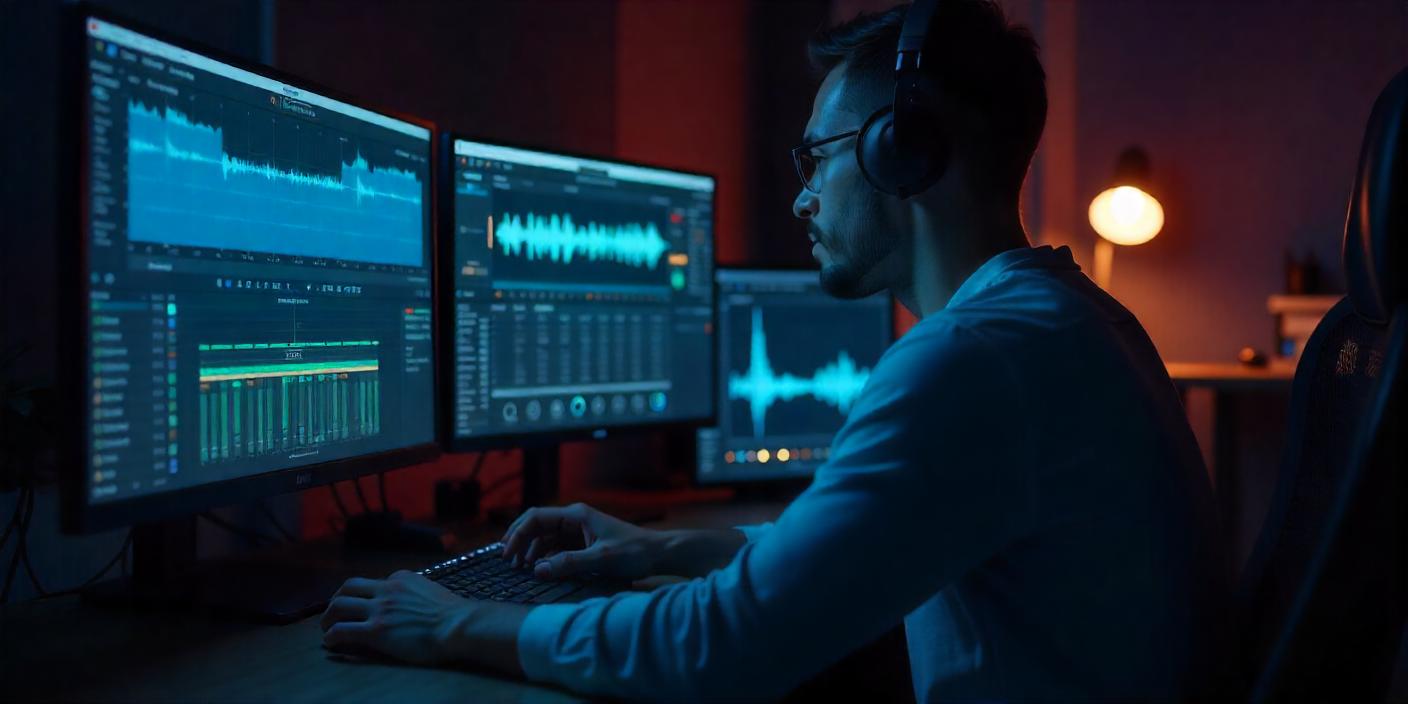
In the current landscape of Audio recording, it is crucial to choose a software adapted to its needs. Whether you are an amateur musician or an experienced sound engineer, there are tools for all levels and requirements. Let's look at some of the most popular software and its distinctive features.
Software presentation
There is a multitude of audio recording software, each offering specific features. Here is a selection of the most used tools:
- GarageBand
- Sound Forge
- WavePad
- Audacity
- Gilisoft Audio Recorder
- Pro Tools
GarageBand
GarageBand is an audio recording software developed by Apple, exclusively compatible with MacOS. It is particularly appreciated for its intuitive interface and rich in sounds, including various instruments and presets. Users can also enjoy the built-in loops and the ability to direct autonomous batteries, making it an excellent choice for emerging musicians.
Some of its main features include:
- Simple and intuitive interface
- Audio library with instruments and presets
- Integrated loops
- Ability to control autonomous batteries
GarageBand stands out for its ease of use, allowing anyone to initiate musical recording without the need for in-depth technical knowledge. It's an ideal tool for those who want to create and record music in a professional way while remaining accessible.
Key Software Features
To record and edit music or any type of sound, it is essential to choose the right software. Available features can greatly improve your workflow and the quality of your productions. Here is an overview of the key features you need to know.
Recording and editing
Modern audio recording software offers powerful tools to capture and manipulate sounds. Whether you are a beginner or a professional, access to an intuitive interface and advanced editing options is crucial.
- GarageBand Ideal for beginners, it offers a simple interface with a rich sound library and integrated loops. You can direct autonomous batteries there, which is a plus for complex compositions.
- Sound Forge : Known for its powerful audio mixing capacity and editing tools. It also includes a noise cancellation of the AI, which is very useful for improving the sound quality.
- WavePad : Appreciated for its ease of use and affordability. Although limited in managing multiple audio files, there is still an excellent option to achieve a quality result.
- Audacity : Free and open source, it offers advanced audio editing tools and supports different audio formats. Ideal for those looking for a cost-free, versatile solution.
- Gilisoft Audio Recorder : This software is distinguished by detecting periods of silence and automatically stopping recording, which saves time during long recording sessions.
Multichannel recording
Multichannel recording is an essential feature for projects involving multiple sound sources simultaneously. This allows you to capture each source on a separate track, thus facilitating mixing and later editing.
Software like Sound Forge and Audacity offer extended capabilities in this area, allowing to manage complex recordings with multiple instruments or voices. With these features, you can create more accurate and balanced mixes.
Audio editing
Audio publishing is at the heart of music and sound production. Editing tools allow you to cut, copy, paste, and process audio files to get the desired rendering.
With AudacityFor example, you have advanced features such as filters, reverb effects, and pitch correction. For those looking for a more simplicity-oriented solution, GarageBand offers a more intuitive but equally effective approach.
In short, the choice of software will depend on your specific needs, whether for amateur or professional use. The options available today make music and sound production accessible to all, with powerful and diversified tools to meet all requirements.
Practical recording tools
Recording music or sounds at home may seem complex, but with the right tools it becomes a child's play. Let's explore some solutions that can turn your space into a real recording studio.
Simultaneous recording
Simultaneous recording is an essential technique for musicians and producers who want to capture several audio tracks in one catch. This keeps energy and performance dynamics live. Here are some benefits and tips to master simultaneous recording:
- Sound quality Capture all instruments at the same time provides a sound cohesion difficult to obtain otherwise.
- Time saving : Record multiple tracks at once greatly reduces production time.
- Equipment : Make sure you have a multichannel audio interface and microphones suitable for each instrument.
- Sound insulation Use acoustic screens and headphones to minimize noise leakage between microphones.
Mastering this technique requires a little practice, but the results can really enhance your recordings.
Gilisoft Audio Recorder
Among the many software available, Gilisoft Audio Recorder stands out for its practical features and intuitive interface. Compatible with MacOS, Windows and Android, it offers particularly interesting options for amateur and professional creators.
Some notable features of Gilisoft Audio Recorder:
- Silence detection : The software can detect silent periods and automatically stop recording, thus saving disk space and reducing post-production time.
- Multiple formats : It supports MP3, WMA and WAV formats, providing great flexibility for different types of projects.
- User interface : Simple and user friendly, it is ideal for those who begin and are looking for a tool without a steep learning curve.
Gilisoft Audio Recorder is a great choice for those who want an effective tool without getting lost in too technical options.
Other software solutions
Besides Gilisoft Audio Recorder, other audio recording software also deserves your attention. Here are some suggestions tailored to different needs and levels of experience:
For users wishing to capture impeccable sound on their computer, find out how recording the sound of the PC with Audacity: handy, fast and illustrated guide.
- GarageBand Ideal for Mac users, this software is perfect for beginner musicians thanks to its simple interface and sound library.
- Sound Forge : Compatible with MacOS and Windows, it offers advanced tools for audio editing and noise cancellation thanks to the AI.
- WavePad : Affordable and easy to use, it is excellent for those looking for high recording quality.
- Audacity : Free and open-source, this software features advanced audio editing tools and works on all major platforms.
These programs offer a range of features that can meet a variety of needs, from simple projects to more complex productions.
Best practices for quality registration
Recording music or sounds at home may seem intimidating, but with some good practices and tools, you can get professional quality without having to go to the studio. Together, let's look at the essentials to succeed in your recordings.
record parameters
Adjusting the recording parameters is crucial to getting a sound of quality. Here are some tips:
- Sampling rate: Choose a sample rate of 44,1 kHz or 48 kHz. These values are largely sufficient for most music recordings and ensure good sound quality.
- Bit depth: Use 24 bits to capture a wider dynamic range and avoid distortions.
- Recording format: Prefer the WAV or AIFF format for better quality, even if it takes more space on your hard drive.
By properly adjusting these parameters, you set the bases for a clear and accurate recording.
audio quality
To obtain a audio quality optimal, several elements must be taken into account:
- Microphones: Invest in a good microphone suitable for your use. Condenser microphones are ideal for capturing voice and acoustic instruments, while dynamic microphones are perfect for taking live sound.
- Audio interface: A quality interface allows the analog signal to be converted to digital with precision. Models like the Scarlett Focusrite are very popular for their excellent value for money.
- Microphone placement: Place your microphone at an adequate distance from the sound source. For one voice, a distance of 15 to 30 cm is often recommended. Do not hesitate to experiment to find the best placement.
By paying attention to these details, you can greatly improve the quality of your recordings.
noise cancellation
Background noise can quickly spoil quality recording. Here are some tips to minimize it:
- Sound insulation: Use acoustic panels or thick covers to reduce noise and ambient noise.
- Software noise reduction: Software like Sound Forge and Audacity integrate effective noise reduction tools. These features allow you to clean up your recordings after the fact.
- Recording in a quiet environment: Record in a quiet room, away from street noises or appliances.
By taking these steps, you can make sure that your recordings are clear and free of interference.
By following these best practices, you will be able to get high quality recordings at home. Whether you are an amateur musician or an audio professional, these tips will help you make the most of your equipment and produce exceptional sounds.
Updated on 23 March 2026