Published by: Guillaume Martin — Editor in Chief
Updated on 23 March 2026
Pro Tools imposes as the Reference software for recording and professional audio mixing. This Digital Audio Workstation (DAW) offers a powerful range of tools for sound engineers, producers and musicians. Let us dive into the specifics of this essential software and discover how it revolutionizes the world of sound production.
Contents
Compatibility and plugin formats
Pro Tools stands out for its compatibility with various plugin formats, essential to expand its functionality. The AAX (Avid Audio eXtensions) format has become the standard for Pro Tools, offering optimal performance and increased stability. Here is an overview of the compatible versions:
- Pro Tools 11 and later: 64 bit AAX plugins
- Pro Tools 10.3.5 and later versions: 32-bit AAX or RTAS plugins
- Pro Tools 10.3.4 and earlier versions: RTAS plugins
This evolution of formats reflects thePro Tools' commitment to stay at the cutting edge of audio technology. Users should ensure that the correct plugin format is installed to ensure optimal compatibility with their version of the software.
To ensure the proper functioning of third party plugins, it is crucial to:
- Install the appropriate plugin format (AAX)
- Check the installation path
- Re-scan plugins in Pro Tools
In case of detection problems, re-installing drivers and plugins, followed by restarting Pro Tools, can often solve the problems encountered.
Configuration and use of virtual instruments
Integrationvirtual instruments in Pro Tools opens up a world of creative possibilities. To take full advantage of these tools, the following procedure should be followed:
- Create Instrument Track in Pro Tools
- Select Virtual Instrument plugin as insert
- Create MIDI track with virtual instrument as output
This configuration allows users to control their virtual instruments via MIDI while enjoying the processing power of Pro Tools. For optimal experience, it is imperative to properly configure MIDI routing:
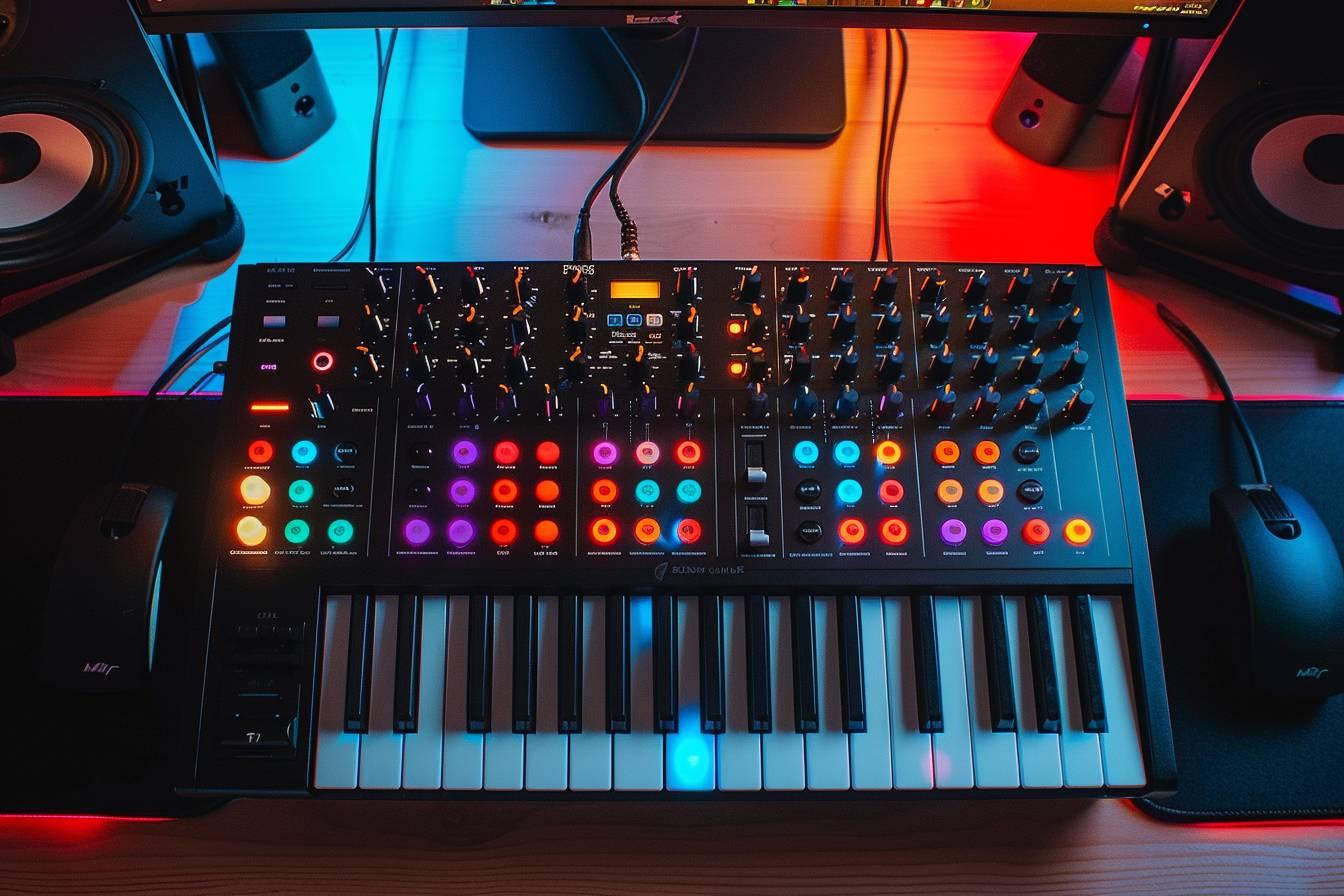
- Select MIDI controller as input into Pro Tools MIDI settings
- Configure routing of MIDI tracks to Instrument tracks
A well thought out MIDI configuration guarantees a minimum latency and precise response of virtual instruments, essential for a smooth and natural musical performance.
Audio and MIDI Device Management
The efficient audio and MIDI device management is crucial to making the most of Pro Tools. The software offers remarkable flexibility in terms of compatibility with various equipment. Here is a summary of the key steps to configure your devices:
| Device type | Configuration step | Importance |
|---|---|---|
| Audio interface | Select as playback device in Pro Tools | Critical |
| MIDI Controller | Configure as input in MIDI settings | Essential |
| Third party plugins | Check the installation path and perform a re-scan | Important |
Lharmonious integration of these elements allows a smooth and seamless production experience. In case of MIDI detection or plugin problems, it is recommended to:
Pro Tools also proves to be an ally of choice for those who want to master how to succeed in audio mixing for virtual reality.
- Carefully check MIDI and routing settings in Pro Tools
- Reinstall drivers and plugins if necessary
- Restart Pro Tools to apply changes
These simple but effective steps can solve most of the configuration problems encountered by users.
Advanced Features and Routing Solutions
Pro Tools continues to innovate, offering advanced features that push the limits of audio production. Among these innovations, Pro Tools Audio Bridge stands out particularly. This feature allows route audio from Pro Tools to other applications on macOS, offering unprecedented flexibility in professional audio workflow.
Users can:
- Integrate Seamlessly Pro Tools with other audio software
- Create complex routing configurations
- Optimize their multi-application workflow
This advanced routing capability opens the way for creative opportunities, allowing audio professionals to explore new sound boundaries. In addition, Pro Tools offers sophisticated processing tools that significantly enhance mixing and mastering capabilities:
- High precision equalizers
- Dynamic compressors
- Studio quality reverberations
- Advanced spatialization tools
These features, combined with the intuitiveness of the Pro Tools interface, make this software a essential tool for professional recording studios and demanding audio content creators. The mastery of these advanced tools enables sound engineers to bring their artistic vision to life with unparalleled precision and quality.
Updated on 23 March 2026